English
 Español
 عربى
عربى 中文简体
中文简体

What Is a Desktop Water Dispenser?
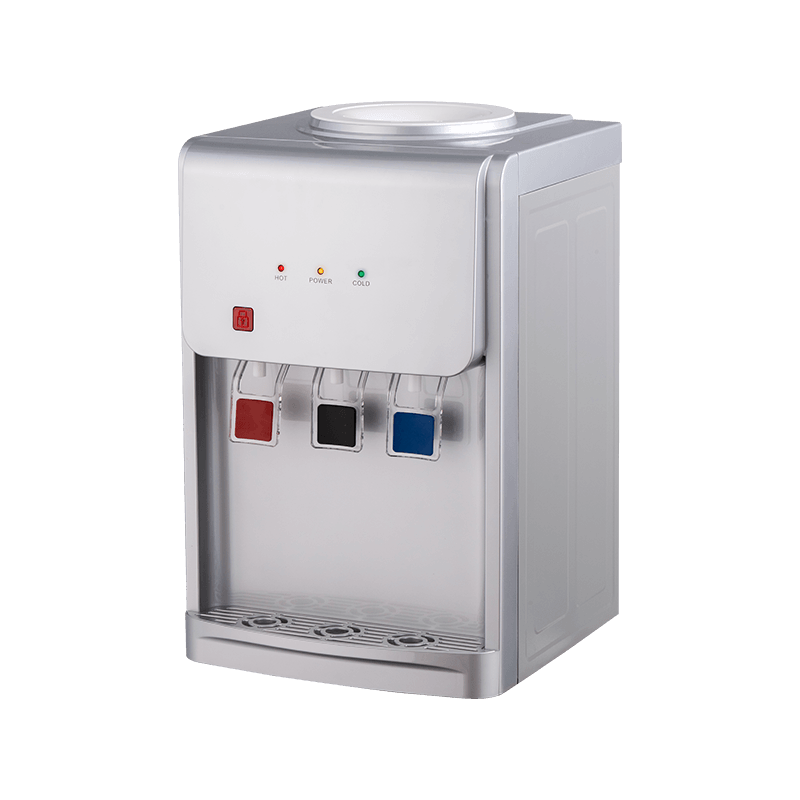
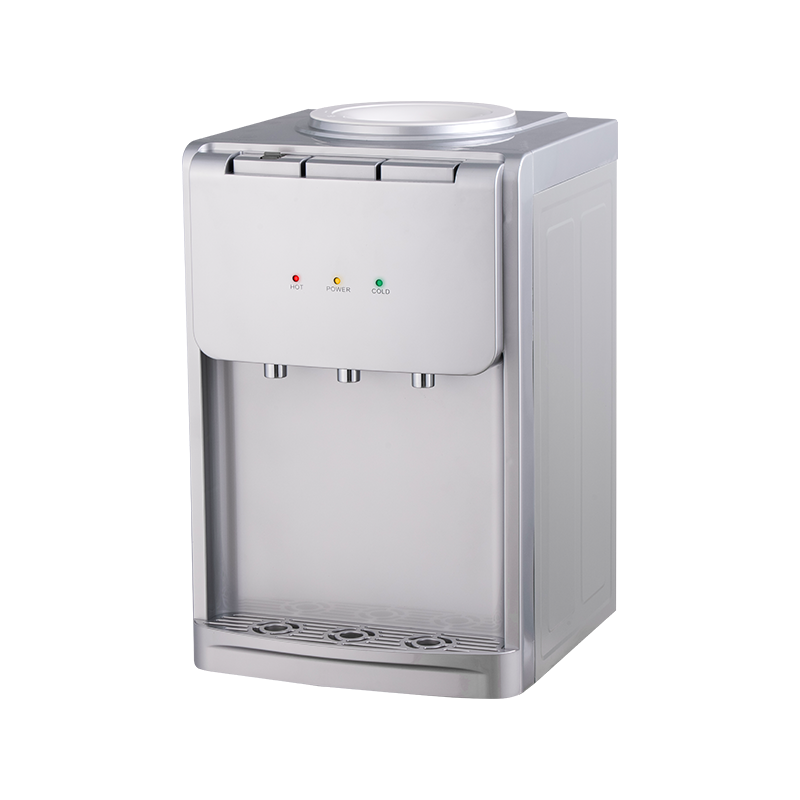
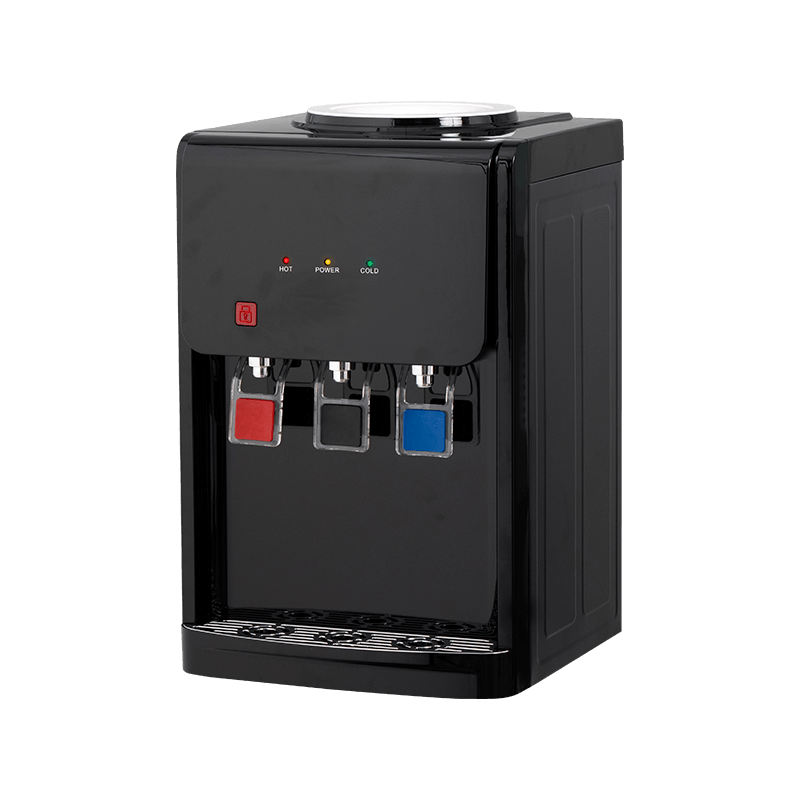
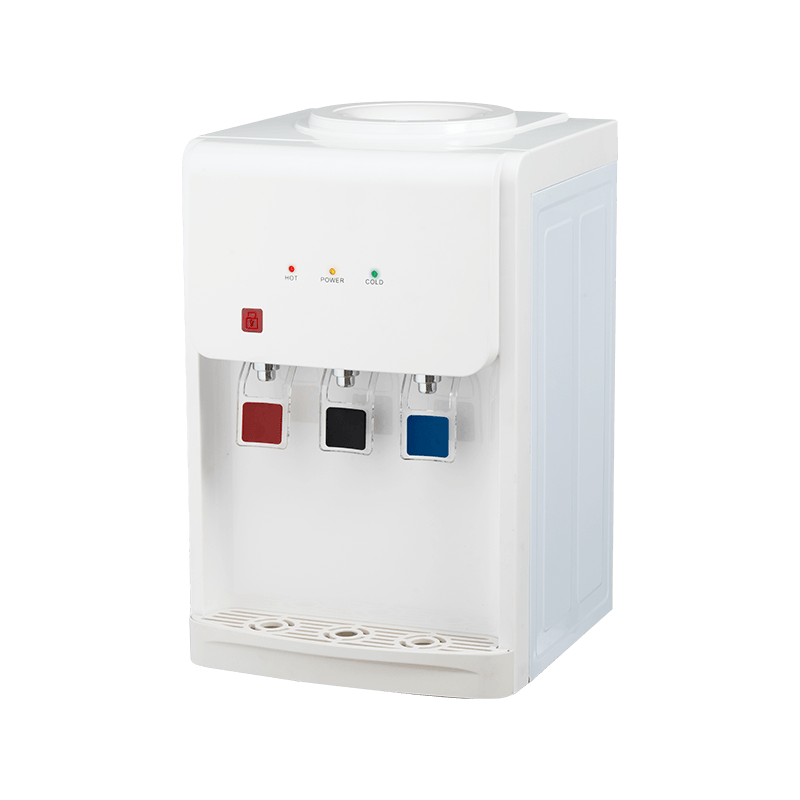
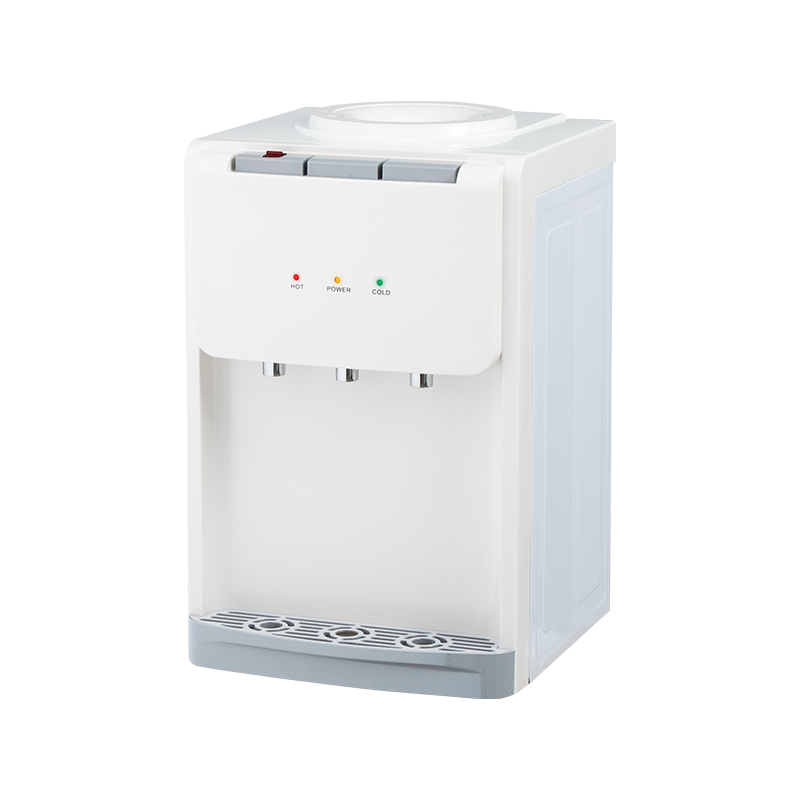
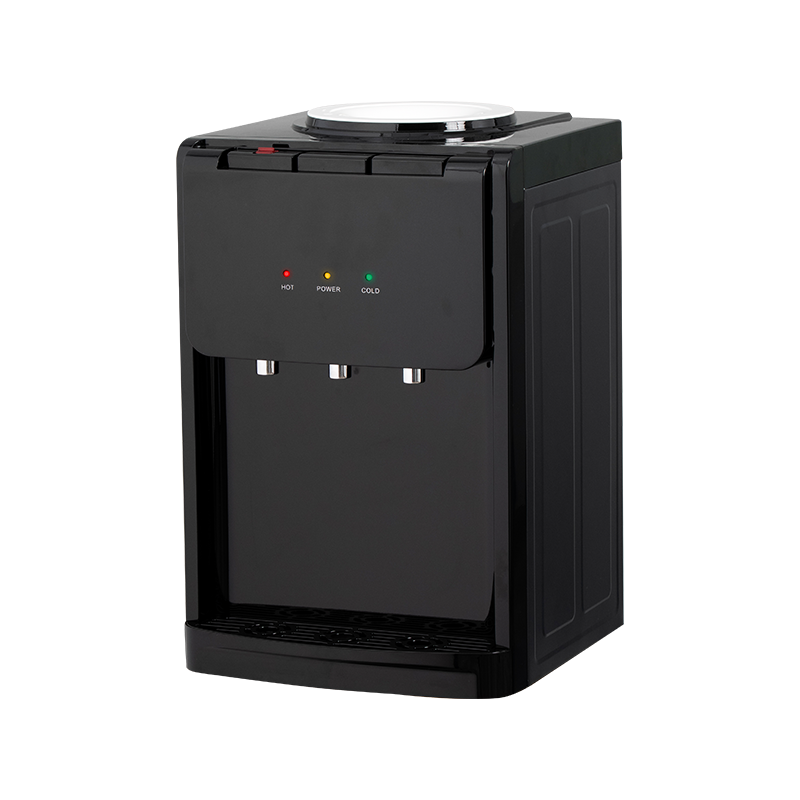
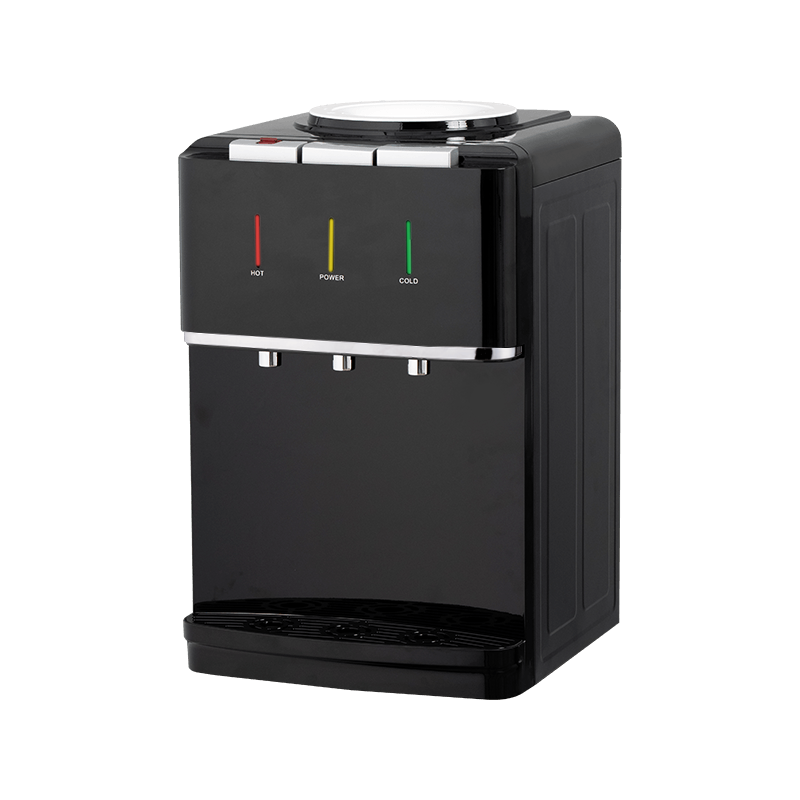
A desktop water dispenser is a compact, countertop appliance that provides on‑demand drinking water. Unlike traditional floor‑standing dispensers that use large water bottles (5‑gallons or more) or are plumbed directly into a building's water supply, desktop models are smaller and designed to sit on a table, desk, or kitchen counter. They typically accommodate smaller water containers—often 2‑ to 5‑litre bottles, or they can be connected directly to a water line in some cases.
The core function of a desktop water dispenser is to deliver water at a desired temperature. Most models offer at least cold and ambient (room temperature) water, while many also include a hot water function for making tea, coffee, or instant soups. Some advanced units even feature built‑in filtration systems to purify tap water, making them a true all‑in‑one hydration station.
Desktop water dispensers are especially popular in offices, studios, small kitchens, and even bedrooms. They eliminate the need to constantly walk to a kitchen tap or lug heavy water bottles from the store. They are also a great choice for people who live in rental apartments where installing a plumbed‑in water cooler is not feasible.
Types of Desktop Water Dispensers
Not all desktop water dispensers are the same. They can be broadly classified into several categories based on how they receive water, how they cool or heat it, and their overall design. Understanding these differences is key to selecting the model that suits your lifestyle and usage habits.
Bottle‑Fed Desktop Water Dispensers
These are the most common type of desktop water dispenser. They use a standard water bottle—usually 2, 3, or 5 litres—that is placed upside down on top of the unit. Water flows from the bottle into a reservoir inside the dispenser, where it is chilled or heated as needed. Bottle‑fed models are incredibly easy to set up: you simply place the bottle on the cradle, and the water is ready to be dispensed. They are ideal for areas without a direct water line, such as meeting rooms or temporary workspaces.
However, they do require you to replace the bottle when it runs out, which can be a minor inconvenience. Some models are compatible with reusable glass or plastic bottles, allowing you to refill them from your tap, while others require you to purchase pre‑filled bottles from a water delivery service or grocery store.
Plumbed‑In (Direct‑Line) Desktop Water Dispensers
Plumbed‑in desktop water dispensers are directly connected to your building's water supply. They do not use bottles; instead, they draw water from the mains and often include an internal filtration system to remove impurities. These units provide an endless supply of fresh, clean water without any bottle handling. They are typically more expensive and require professional installation, but they are the most convenient and sustainable option for permanent setups.
Plumbed‑in models are common in offices, showrooms, and high‑traffic areas where multiple people need continuous access to water. They also take up less counter space since there is no bulky bottle sitting on top.
Pump‑Action Desktop Water Dispensers (Manual)
For those seeking a no‑electricity, ultra‑portable solution, pump‑action dispensers are a great choice. These devices are essentially a pump that fits onto a standard water bottle or jug. You manually press a lever or button to pump water out through a spigot. They are cheap, lightweight, and require no power source—making them perfect for camping, picnics, or emergency use. However, they do not provide cold or hot water; they simply dispense water at ambient temperature.
Some manual pump dispensers come with a built‑in tap and a small stand, elevating the bottle for gravity‑assisted pouring. While they lack the sophistication of electric models, they are incredibly reliable and easy to maintain.
Electric Desktop Water Dispensers with Hot and Cold Functions
These are the most feature‑rich desktop dispensers. They plug into a standard electrical outlet and use a compressor or thermoelectric cooling system to chill water, and a heating element to provide hot water—often up to 185°F (85°C) or even boiling. Many models include a child‑safe lock on the hot water tap to prevent accidental scalding. Some even feature a separate button for room‑temperature water, giving you three temperature options at your fingertips.
Electric dispensers are available in both bottle‑fed and plumbed‑in versions. They are popular in workplaces and homes where people frequently make hot beverages. The main considerations are power consumption, noise level (compressor‑based coolers can be slightly noisy), and overall size.
Instant Hot/Cold Desktop Water Dispensers (Tankless)
An emerging category is the tankless desktop water dispenser. Instead of storing a reservoir of water, these units heat or cool water on‑demand using advanced technology. They are more energy‑efficient because they only use power when dispensing, and they provide an unlimited supply of hot or cold water without waiting for a tank to refill. Tankless models are typically more expensive but offer superior performance and hygiene, as there is no stagnant water sitting in a tank.
Key Features to Consider When Buying a Desktop Water Dispenser
Choosing a desktop water dispenser involves more than just picking a color or brand. To get the best value, you should evaluate several critical features that affect usability, convenience, and long‑term satisfaction.
Temperature Options: Hot, Cold, and Ambient
Think about what temperatures you actually need. If you only drink cold water, a basic cold‑water dispenser may suffice. If you frequently make tea, coffee, or instant noodles, a model with a hot water function is essential. Some advanced units also offer a "room temperature" setting, which is useful for watering plants or preparing baby formula.
Pay attention to the actual temperatures achieved. For cold water, most dispensers provide water between 41°F and 50°F (5°C to 10°C). Hot water typically ranges from 160°F to 185°F (71°C to 85°C). Some premium models can produce near‑boiling water (up to 200°F / 93°C) for true tea enthusiasts.
Cooling Technology: Compressor vs Thermoelectric
Electric dispensers use one of two cooling technologies: compressor‑based or thermoelectric.
Compressor cooling works similarly to a refrigerator—it uses a refrigerant and a compressor to remove heat from the water. It is more powerful and can chill water to lower temperatures, even in warm environments. However, it is heavier, consumes more electricity, and produces some noise and vibration.
Thermoelectric cooling uses the Peltier effect—a solid‑state device that moves heat when an electric current is applied. It is quieter, lighter, and more energy‑efficient for small volumes. The downside is that it cannot cool water as effectively in hot ambient conditions, and it typically uses more electricity per litre cooled compared to a compressor in large‑scale scenarios. For desktop dispensers, thermoelectric is often sufficient for moderate use.
Water Capacity and Bottle Compatibility
For bottle‑fed models, consider the size of the water bottle you intend to use. The most common sizes are 2‑litre, 3‑litre, and 5‑litre bottles. Some dispensers are designed to accept standard 5‑gallon (18.9L) bottles, but these are usually larger and may be better suited for floor‑standing units. For a true desktop form factor, a 2‑5L capacity is typical. Ensure that the dispenser's cradle or adapter fits the neck of your preferred bottle brand. Some dispensers come with universal adapters to accommodate different bottle necks.
If you plan to use your own tap water, look for models that allow you to fill a removable reservoir or that include a refillable bottle.
Filtration System
Many desktop water dispensers now include built‑in filtration to improve taste and remove contaminants such as chlorine, sediment, and heavy metals. This is particularly useful if you are using tap water or if your local water supply has an unpleasant taste. Filters can be carbon‑based, reverse osmosis, or UV‑based. Keep in mind that filters need periodic replacement, so factor in the ongoing cost and availability of replacement filters.
Safety Features
If the dispenser has a hot water function, a child‑safety lock is essential—it prevents accidental dispensing of scalding water. Also, check for a stable base, non‑slip feet, and a drip tray to catch spills. Some models include an automatic shut‑off when the water tank is empty to prevent the heating element from running dry.
Ease of Cleaning and Maintenance
Water dispensers can harbor bacteria if not cleaned regularly. Look for models with removable and dishwasher‑safe drip trays, and those with easy‑access water tanks for descaling. Some dispensers have a self‑cleaning or anti‑bacterial coating on the internal components. A simple design with fewer crevices is often easier to keep hygienic.
Energy Efficiency
Since the dispenser may be running 24/7, energy consumption is a consideration. Check the wattage and look for energy‑star certifications if available. Tankless or on‑demand models are generally more efficient than those that maintain a constant temperature in a tank.
Noise Level
Compressor‑based coolers produce a hum, while thermoelectric models are nearly silent. If the dispenser will be used in a quiet office or bedroom, a thermoelectric model may be preferable. Always check product reviews for noise complaints.
Design and Footprint
Measure the space where you plan to place the dispenser. Desktop models are generally compact, but sizes vary. Consider the height (including the bottle if bottle‑fed) and the overall aesthetic—some units are sleek and modern, while others have a more utilitarian look. A built‑in drip tray and a stylish exterior can enhance your countertop.
Benefits of Owning a Desktop Water Dispenser
Why should you invest in a desktop water dispenser? The advantages go beyond just convenience.
Instant access to water: No more waiting for the tap to run cold or boiling a kettle. With a push of a button, you have the perfect temperature water.
Eliminates plastic waste: By using refillable bottles or a plumbed‑in connection, you significantly reduce your consumption of single‑use plastic water bottles.
Saves money: Buying bottled water in bulk or using a dispenser with a filter can be much cheaper than buying individual bottles. Over time, the dispenser pays for itself.
Promotes hydration: When water is easily accessible, you and your family or colleagues are more likely to drink an adequate amount each day.
Space‑saving: Desktop models take up minimal counter space compared to full‑sized floor coolers, making them perfect for small kitchens, RVs, dormitories, and compact offices.
Versatility: Many models offer both hot and cold water, making them a central hub for both hydration and hot beverage preparation.
How to Install and Set Up a Desktop Water Dispenser
Installation is usually straightforward, but it depends on the type of dispenser you choose.
Bottle‑fed dispensers: Simply place the unit on a stable, level surface. Remove the cap from your water bottle and carefully invert it onto the bottle cradle. Some dispensers have a top‑loading design where you place the bottle upside down; others have a bottom‑loading system where you insert a bottle into a compartment (these are often larger). Plug in the unit and allow time for the water to cool or heat—typically 30 minutes to an hour for initial setup.
Plumbed‑in dispensers: These require a water line connection. You may need a plumber or a handy person to install a shut‑off valve and connect the dispenser. It is advisable to read the manufacturer's instructions carefully, as some units have specific water pressure requirements. Once connected, open the valve and check for leaks.
Pump‑action dispensers: No installation is required—just attach the pump to the bottle and start dispensing.
Cleaning and Maintenance: Keeping Your Dispenser Hygienic
Regular cleaning is crucial to prevent biofilm, mold, and bacteria from developing. Here is a simple maintenance routine:
Daily: Wipe the exterior, drip tray, and spigot area with a clean, damp cloth. Empty the drip tray regularly.
Weekly: If your unit has a removable water tank or bottle cradle, wash it with warm soapy water and rinse thoroughly. For plumbed‑in units, follow the manufacturer's descaling instructions.
Monthly: Descale the internal components to remove mineral deposits. Use a food‑grade descaling solution or a mixture of vinegar and water (run it through the dispenser and let it sit for 15‑20 minutes, then rinse thoroughly).
Filter replacement: Change the filter according to the manufacturer's schedule—typically every 3 to 6 months, depending on usage and water quality.
Common Mistakes to Avoid When Using a Desktop Water Dispenser
Even a great dispenser can cause problems if not used correctly. Avoid these pitfalls:
Using the wrong bottle type: Ensure your bottle fits snugly on the cradle to prevent leaks. Some dispensers require a specific neck size.
Ignoring the filter: A clogged or expired filter can affect water taste and flow rate. Replace it on time.
Leaving water in the tank too long: Stagnant water can breed bacteria. If you are away for several days, empty and dry the internal reservoir.
Overfilling the bottle: Do not overfill if you are using a refillable bottle; leaving some air space prevents spillage when inverting.
Not checking the water quality: If you use tap water, make sure your dispenser has a suitable filtration system, or use bottled water with known quality.
Desktop Water Dispenser vs Traditional Water Cooler: Which Is Right for You?
This is a common dilemma. Traditional water coolers are floor‑standing, have larger capacity (typically 5‑gallon bottles), and serve more people. Desktop dispensers are smaller, more portable, and better for individual or small‑group use. Choose a desktop model if you have limited space, need flexibility in placement, or have a lower daily consumption. Opt for a traditional cooler if you have a high‑traffic office, a large family, or if you prefer the convenience of a standard bottle exchange service.
Top Brands and Models to Consider
While we do not endorse specific brands, some well‑known names in the desktop water dispenser market include:
Avalon: Offers stylish bottle‑less and bottle‑fed countertop dispensers with hot and cold options.
Brio: Known for innovative designs, including self‑cleaning UV models.
Pureen: Produces affordable and compact pump‑action and electric dispensers.
Natura: Specialises in glass‑bottle dispensers with a minimalist aesthetic.
Hamilton Beach: Offers reliable and budget‑friendly electric dispensers.
Oasis: A premium brand known for durable and efficient plumbed‑in units.
Always read recent customer reviews and check the warranty and customer support availability before purchasing.
Frequently Asked Questions About Desktop Water Dispensers
What is a desktop water dispenser?
A desktop water dispenser is a compact, countertop appliance that provides ready‑to‑drink water at various temperatures—typically cold, ambient, and hot. It can be bottle‑fed (using small water bottles) or plumbed directly into a water line. It is designed for small spaces like offices, kitchens, and bedrooms.
How much does a desktop water dispenser cost?
Prices vary widely. Manual pump‑action dispensers can cost as little as $15–$30. Basic electric cold‑water models range from $50 to $100. Models with both hot and cold functions generally fall between $80 and $250, while premium plumbed‑in or tankless units can exceed $300. Filters and accessories add to the long‑term cost.
Can I use tap water in a desktop water dispenser?
Yes, if the dispenser includes a built‑in filtration system that is designed for tap water. Otherwise, it is recommended to use bottled water or water that has been pre‑filtered. Using unfiltered tap water may lead to scale buildup and affect taste.
How do I clean a desktop water dispenser?
Regular cleaning involves wiping the exterior, washing the drip tray, and periodically descaling the internal water tank. For detailed instructions, always refer to the user manual. Some models have a self‑cleaning function using UV light or ozone.
Are desktop water dispensers energy‑efficient?
Most models consume between 50W and 150W for cooling and heating. Tankless (on‑demand) models are more efficient because they only use power when dispensing water. Energy‑star rated units are available. In standby mode, power consumption is minimal.
How long does it take for a desktop water dispenser to cool or heat water?
Initially, it may take 30–60 minutes to reach the set temperature. After that, it maintains the temperature automatically. Instant hot/cold tankless models deliver water at the desired temperature within seconds.
Can a desktop water dispenser dispense boiling water?
Most models offer water heated to around 185°F (85°C), which is hot enough for tea and coffee but not boiling (212°F). Some high‑end units can reach near‑boiling temperatures. Check product specifications for exact temperature.
How often should I change the water bottle?
Replace the bottle when it is empty. If the water sits for more than a few days, it is advisable to replace it to ensure freshness and avoid bacterial growth. Also, clean the bottle if you are refilling it.
Is a desktop water dispenser noisy?
Thermoelectric models are nearly silent. Compressor‑based models produce a low hum, similar to a small refrigerator. Pump‑action dispensers are silent. If noise is a concern, choose a thermoelectric or pump model.
Can I get a desktop water dispenser with a child‑safe lock?
Many models with hot water function include a safety lock that you must press or slide before dispensing hot water. This is a crucial feature if children are present.
How much space does a desktop water dispenser need?
Typical dimensions are around 10‑14 inches wide, 12‑18 inches deep, and 12‑20 inches tall (plus bottle height). Measure your countertop and ensure there is clearance for the bottle if using a top‑loading design.
Can I use a desktop water dispenser in my RV or boat?
Yes, as long as you have access to electricity (110V/220V) and a stable surface. Manual pump models are ideal for off‑grid use. Plumbed‑in models are not suitable for mobile applications unless connected to a fresh water tank.
What is the difference between a desktop and a floor‑standing water dispenser?
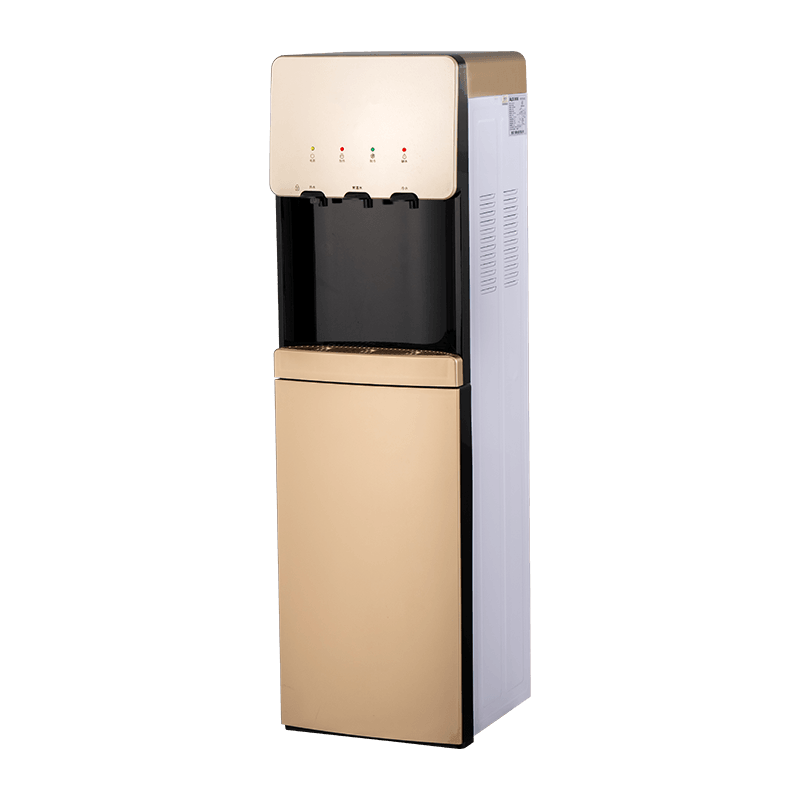
Desktop dispensers are smaller, sit on a counter, and hold less water (usually 2‑5 litres). Floor‑standing units are taller, sit on the floor, and accommodate 5‑gallon (19L) bottles or direct plumbing, making them suitable for large groups.
Do desktop water dispensers require a filter?
Not all do. Some are designed to be used with pre‑bottled purified water. However, if you are using tap water, a filter is highly recommended to improve taste and remove contaminants. Some units come with integrated filters.
How do I know if my water dispenser needs descaling?
If you notice a white, chalky residue around the spigot or the water tastes metallic or unusual, or if the flow rate decreases, it is time to descale. Use a citric acid or vinegar solution as per the manufacturer's instructions.