English
 Español
 عربى
عربى 中文简体
中文简体

When you need a convenient source of clean drinking water but lack the floor space for a traditional vertical water dispenser, a desktop water dispenser offers the ideal solution. These compact countertop units deliver chilled, hot, or room-temperature water without taking up valuable floor space, making them perfect for kitchens, small offices, dorm rooms, and even RVs. But are they as effective as their full-sized counterparts? How do you choose between top-loading and bottom-loading models, and what safety features should you look for? This comprehensive guide explores every aspect of desktop water dispensers, helping you decide if this space-saving appliance is right for your home or workspace, and guiding you through the selection, installation, and maintenance process.
What Is a Desktop Water Dispenser?
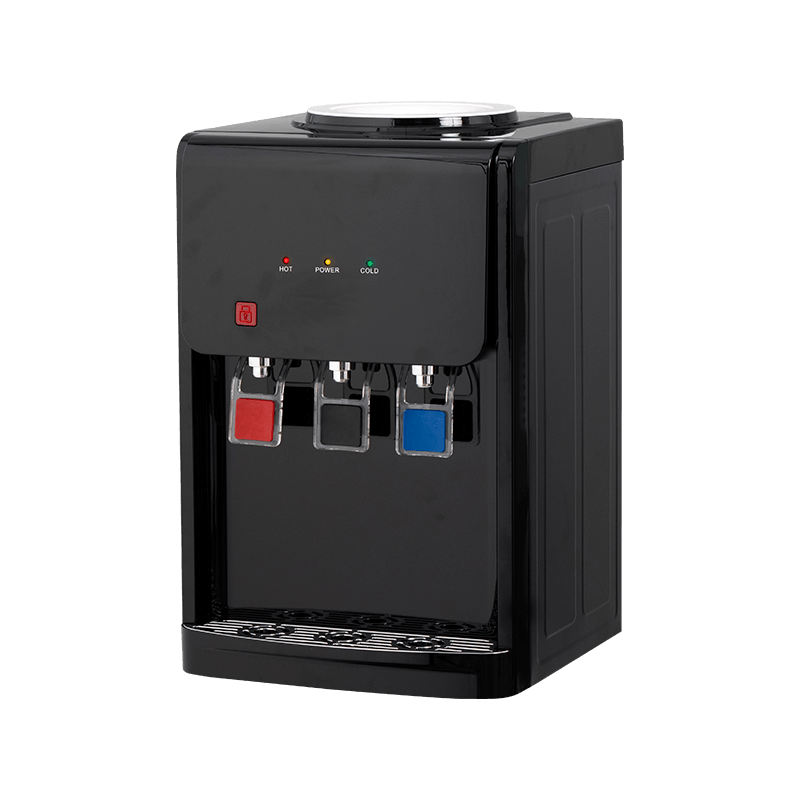
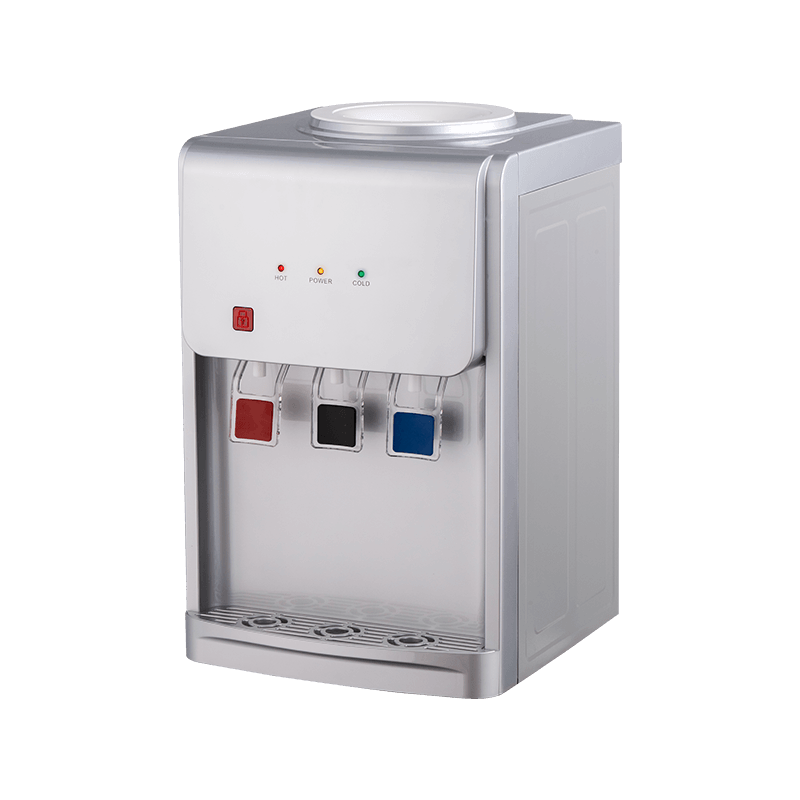
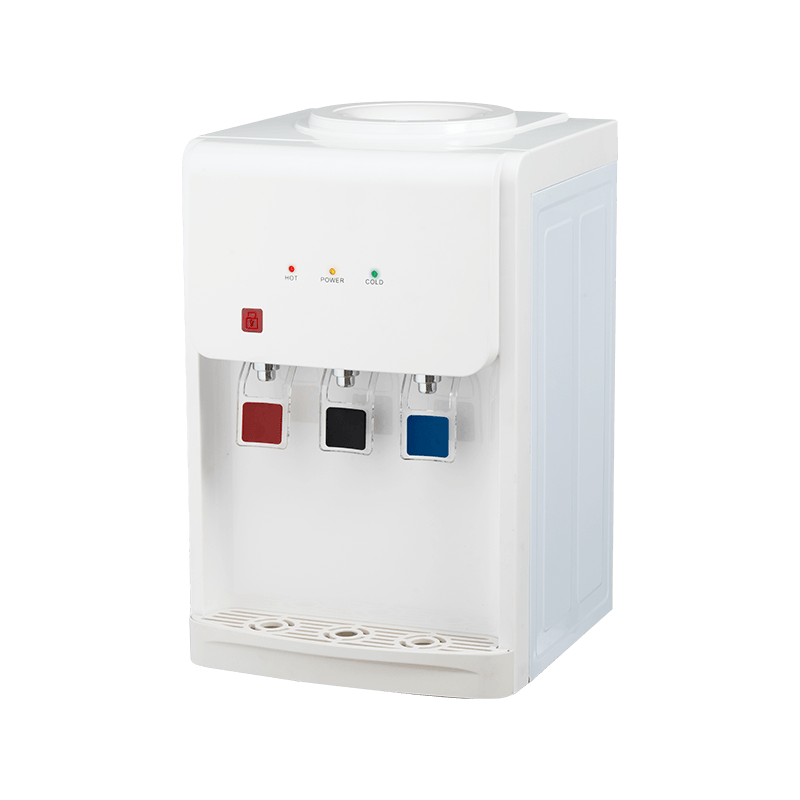
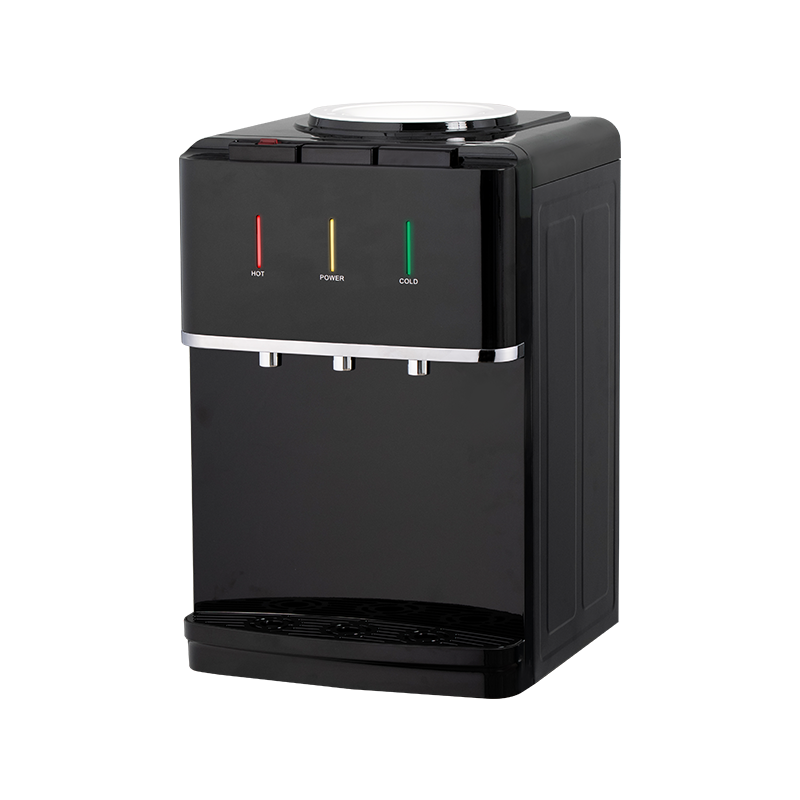
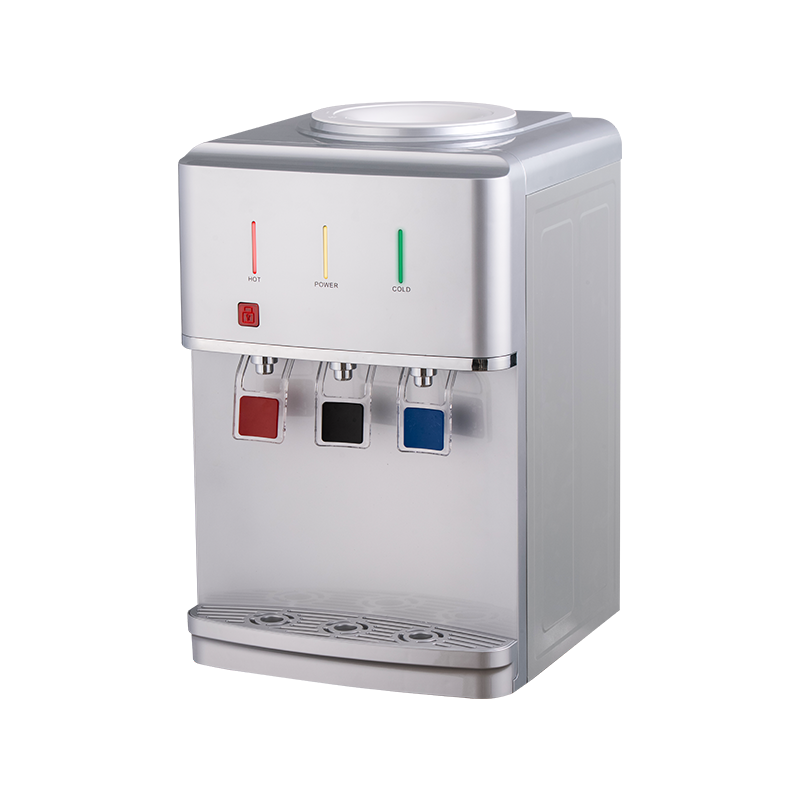
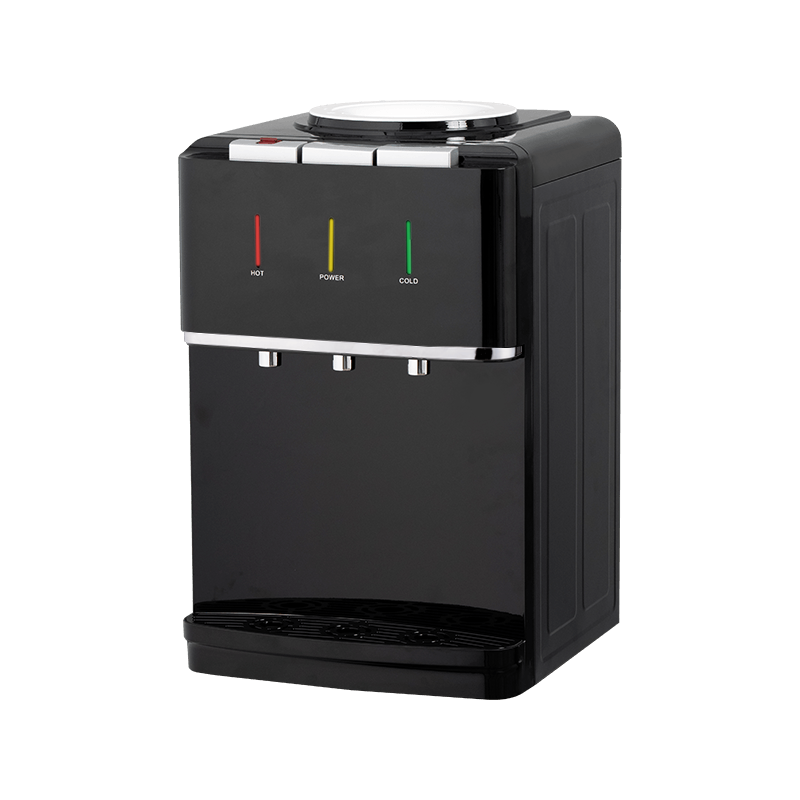
A desktop water dispenser is a compact, countertop-mounted appliance that provides instant access to cold, hot, or ambient water. Unlike freestanding floor models, these units are designed to sit on a table, counter, or desk, making them ideal for locations where space is at a premium. They typically use bottled water (3- to 5-gallon jugs) or can be plumbed into a building's water supply (point-of-use models). Desktop dispensers are popular in home kitchens, office pantries, dormitories, and even medical clinics, offering a hygienic and convenient hydration solution without the footprint of a full-sized cooler.
Despite their small size, desktop water dispensers pack many of the same features as larger units: refrigeration for cold water, heating elements for hot water (in hot-and-cold models), and sometimes additional features like child safety locks, LED displays, and energy-saving modes. They are available in a range of styles, from basic cold-only units to high-end models with touch controls and UV sterilization.
Why Choose a Desktop Water Dispenser?
There are several compelling reasons to opt for a desktop water dispenser over a larger floor model or a simple pitcher filter.
Space-saving design: The most obvious advantage is the compact footprint. A typical desktop dispenser measures about 12-15 inches wide, 12-15 inches deep, and 18-22 inches tall, easily fitting on a kitchen counter or office credenza. This makes them ideal for apartments, small offices, and RVs where floor space is limited.
Portability: Because they are small and relatively lightweight (10-20 lbs empty), desktop dispensers can be moved easily. You can take them from your home office to the kitchen or even bring them to events and temporary workspaces.
Cost-effective: Desktop models are generally less expensive than full-sized dispensers. Basic cold-only units can cost under $100, while hot-and-cold models range from $150 to $300, significantly less than floor-standing units.
Energy efficiency: Smaller tanks and compressors mean lower energy consumption. Many desktop dispensers are Energy Star certified, consuming only a fraction of the electricity of larger refrigerators or water coolers.
Easy installation: Most desktop dispensers are plug-and-play. You simply place the unit, insert the water bottle (for top-loading models) or connect to a water line (for POU models), and plug it in. No plumbing or installation costs are required.
Aesthetic versatility: Desktop dispensers come in various finishes – stainless steel, white, black, and even retro colors – allowing them to blend with any décor.
Types of Desktop Water Dispensers
Desktop water dispensers can be categorized based on how they are loaded, their temperature options, and their water source. Here are the main types.
Top-Loading Desktop Dispensers
These units have a receptacle on the top where you invert a standard 3- or 5-gallon water bottle. Gravity feeds the water into internal reservoirs. They are the most common and affordable type. The main downside is the physical effort required to lift the heavy bottle (about 40 lbs) onto the top of the unit, which can be a challenge for some users.
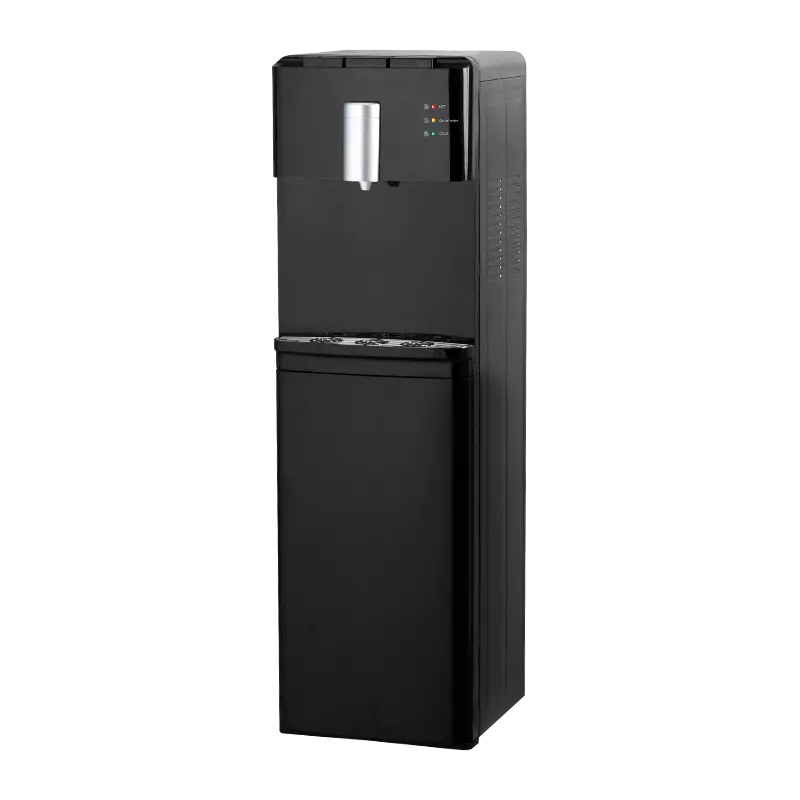
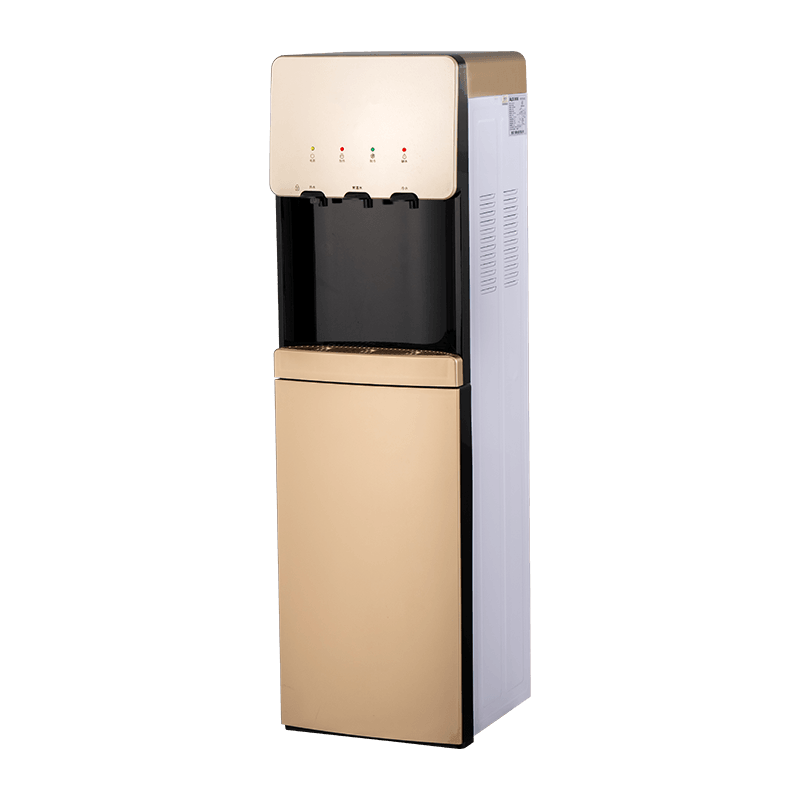
Bottom-Loading Desktop Dispensers
While less common in desktop sizes, some compact models use a bottom-loading design where the bottle is placed in a lower cabinet. A pump draws water up. This eliminates the need for lifting and offers a cleaner look, but the units are slightly larger and more expensive.
Cold-Only Desktop Dispensers
These provide chilled water only. They are the simplest, most affordable, and most energy-efficient option. Ideal for homes or offices where hot water is not needed.
Hot-and-Cold Desktop Dispensers
These units have both a cooling system and a heating system, providing both chilled and hot water (typically 185-195°F) for tea, coffee, instant soup, and other hot beverages. They are more versatile but consume more electricity and cost more upfront.
Ambient (Room Temperature) Dispensers
Some models offer ambient water without heating or cooling, often as an additional option alongside hot and cold.
Point-of-Use (POU) Desktop Dispensers
These are plumbed directly into the building's water supply and include built-in filtration. They do not require water bottles, providing unlimited water. They are more expensive to install and require plumbing, but they eliminate the need to handle heavy jugs.
Key Features to Consider When Buying a Desktop Water Dispenser
Choosing the right desktop water dispenser involves evaluating several key features. Here's what to look for.
Temperature options: Determine if you need cold only, hot and cold, or all three (cold, hot, ambient). If you frequently drink hot beverages, a hot-and-cold model is worth the extra cost. For basic hydration, cold-only is sufficient.
Cooling system type: Most desktop dispensers use a compressor-based cooling system, which is efficient and can chill water to 40-50°F. Some use thermoelectric cooling, which is quieter and more compact but less efficient in warm environments. Compressor is generally recommended for performance.
Water tank capacity: The internal reservoir determines how much water is available before the system needs to refill. Typical capacities range from 1.5 to 4 liters for cold water and 0.5 to 2 liters for hot water. Larger tanks reduce waiting time for refills, especially during peak usage.
Safety features: For households with children, a child safety lock on the hot water tap is essential. Some units also have an overheat protection, dry-run protection for the pump, and a pressure relief valve.
Filtration (if built-in): Some desktop dispensers include a carbon filter or UV sterilization to improve water taste and remove impurities. If you have concerns about water quality, look for models with replaceable filters.
Noise level: Compressor-based units produce some humming or buzzing. Check noise ratings or read user reviews to ensure the unit is quiet enough for your environment, especially for office use.
Energy efficiency: Energy Star certification is a good indicator of lower energy consumption. Some models have an energy-saving mode that turns off the heating or cooling during periods of inactivity.
Drip tray and spill management: A removable drip tray makes cleaning easy and prevents water from dripping on your countertop.
Controls and display: LED indicators for power, heating, cooling, and empty bottle alerts add convenience. Touch controls are modern and easy to clean.
Desktop vs. Floor-Standing Water Dispenser: Which Is Better?
The choice between a desktop and a floor-standing dispenser depends on your available space, usage volume, and budget. Here's a quick comparison.
Desktop: Compact, portable, affordable, lower capacity, suitable for small households, offices with up to 5-10 people, and personal use. May require more frequent bottle changes (if top-loading).
Floor-standing: Larger, higher capacity, can handle higher demand, often with larger hot/cold reservoirs, more stable, may include features like built-in cup dispensers or ice makers. Takes up floor space and is more expensive.
If you have limited counter space and moderate water consumption, a desktop dispenser is an excellent choice. For busy offices or large families, a floor-standing model may be more practical.
How to Install and Use Your Desktop Water Dispenser
Installation is straightforward. Follow these steps for a top-loading model.
Step 1: Place the dispenser on a level, sturdy countertop near a power outlet. Ensure there is adequate clearance around the unit for ventilation.
Step 2: Remove the plastic cap and foil seal from the water bottle. For top-loading, carefully lift the bottle and invert it onto the receptacle. For bottom-loading, place the bottle in the lower cabinet and connect the intake tube as per the instructions.
Step 3: Plug the unit in. Turn on the power switches for cooling and heating (if available). Allow the system 1-2 hours to reach the desired temperatures.
Step 4: Dispense a few cups of water to purge air from the lines. This is especially important for hot water to avoid sputtering.
Step 5: Set the thermostat (if adjustable) to your preferred temperature.
Maintenance and Cleaning Tips
Regular maintenance ensures safe, great-tasting water and extends the life of your dispenser.
Daily: Empty and wipe the drip tray. Wipe down the exterior with a soft cloth.
Monthly (or every 3 months): Clean the internal reservoirs and water path. For top-loading models, remove the bottle, drain any remaining water, and fill the top reservoir with a cleaning solution (mix 2 tablespoons of unscented bleach with 2 gallons of warm water, or use a commercial descaling product). Run the solution through the cold and hot taps until the reservoirs are empty. Then rinse thoroughly by running clean water through the system 2-3 times.
Descaling: If you have hard water, mineral deposits may build up. Use a descaling solution or white vinegar to remove scale. Rinse thoroughly.
Filter replacement: If your unit has a built-in filter, replace it according to the manufacturer's schedule (usually 6-12 months).
General inspection: Check for leaks, unusual noises, or a drop in performance. Ensure the power cord is in good condition.
Common Troubleshooting Issues
Even reliable units can have issues. Here are common problems and their fixes.
Water is not cold enough: Check that the cooling switch is on. Ensure the unit has had time to cool (2-3 hours). If the ambient temperature is high, cooling may be less effective. Clean the condenser coils (if accessible).
Water is not hot enough: Verify the heating switch is on. Allow time for heating (20-30 minutes). Some units have an adjustable thermostat – check the setting.
Water flow is slow or intermittent: The bottle may be empty or there may be an air lock. For top-loading, ensure the bottle is properly seated. For bottom-loading, check the intake tube and pump.
Leaks: Check the bottle seal and the internal connections. Ensure the drip tray is not overflowing. If the leak persists, contact customer support.
Unusual noise: Compressor hum is normal. Rattling may indicate a loose part or an unlevel unit – level the dispenser. Persistent loud noise may signal a compressor problem.
Energy Efficiency and Environmental Impact
Desktop water dispensers, especially those with Energy Star ratings, are relatively energy-efficient. A cold-only unit typically uses about 100-200 kWh per year, while a hot-and-cold model may use 200-400 kWh. To save energy, turn off the heating function when not needed, and consider using a timer to turn the unit off during off-hours. Using refillable water bottles instead of single-use plastic significantly reduces plastic waste, making desktop dispensers an environmentally friendly choice.
Frequently Asked Questions (FAQ)
How much water does a desktop water dispenser hold? The internal reservoir typically holds 1-4 liters of cold water and 0.5-2 liters of hot water, depending on the model. The bottle capacity is usually 3 or 5 gallons for top-loading units.
Can I put tap water in a desktop water dispenser? Only if the unit is a point-of-use model with built-in filtration. For bottle-fed units, you must use bottled water (either purchased or refilled jugs from a water store).
Are desktop water dispensers noisy? Compressor-based models produce a low hum (40-50 dB), similar to a refrigerator. Thermoelectric units are nearly silent. Check reviews for specific noise levels.
How long does it take to cool water? Initial cooling can take 1-2 hours. Once at temperature, the unit maintains it automatically.
Can I use a desktop water dispenser in an RV or boat? Yes, many desktop models are 12V compatible or can be used with an inverter. Ensure the unit is stable on the counter and secure it against movement.
Do I need a special outlet for a desktop water dispenser? Most models use a standard 120V outlet (North America) or 220-240V (other regions). Check the power requirements.
How often should I clean the water dispenser? At least every 3 months, or more frequently if you use it heavily or notice a change in water taste.
Is it safe to leave the dispenser on all the time? Yes, they are designed for continuous operation. However, for energy savings, you can turn it off when not in use for extended periods (e.g., vacation).
What is the warranty on desktop water dispensers? Typically 1 year on parts and labor, with some brands offering extended warranties on the compressor.
Can I get hot water instantly from a desktop dispenser? Hot water is maintained at temperature in the hot tank, so it is available almost instantly once the unit has heated up. The initial heating after turning on takes about 15-30 minutes.
Do desktop water dispensers have a child safety lock? Many models do, especially for the hot water tap. Look for this feature if you have young children.
What is the average lifespan of a desktop water dispenser? With proper maintenance, 5-10 years. Compressor units can last longer than thermoelectric ones.
Are there desktop dispensers that also make sparkling water? Yes, some premium models include a carbonation feature, but they are less common and more expensive.
How do I dispose of a used desktop water dispenser? Check with local recycling centers for electronic waste disposal. Some manufacturers offer take-back programs.
Final recommendation: A desktop water dispenser is an excellent investment for anyone seeking a compact, affordable, and convenient source of chilled or hot water. By considering your space, water consumption, and temperature needs, you can select the perfect model to keep you hydrated and satisfied. Regular cleaning and proper maintenance will ensure years of reliable service, making this small appliance a big addition to your daily routine.